

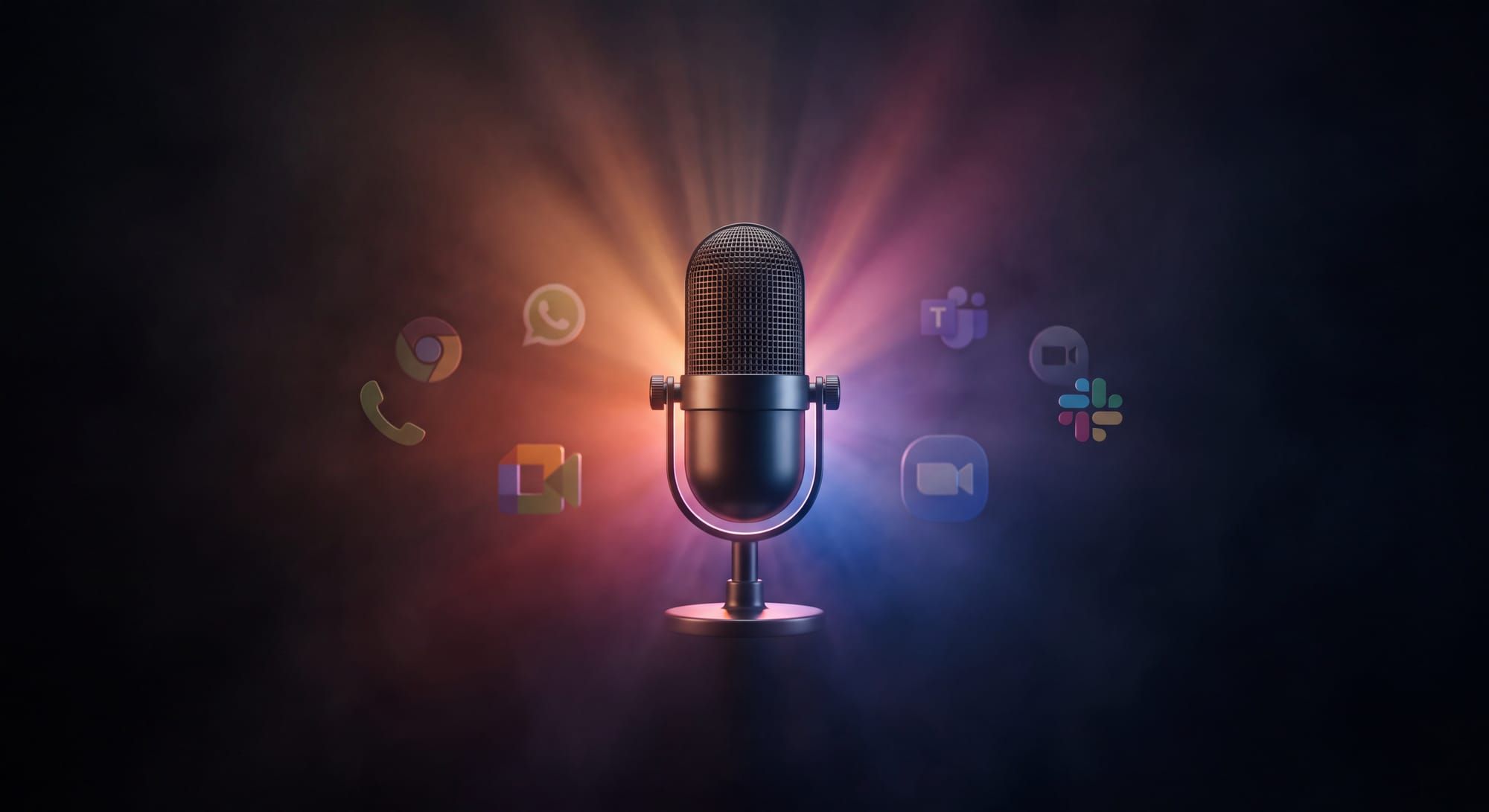
The interface for AI was supposed to be a chat box. It turns out the interface for AI is a conversation — and conversations don't live in one place.
Your customer opens WhatsApp because that's where their thumb already is. They pick up the phone because typing is too slow. They click into webchat because they're already on the page. They drop a meeting link because the conversation needs three people in a room.
For the last year we've been quietly building toward a single idea: an AI agent that can hold a real-time, interruptible, latency-sensitive conversation in any of those places — without you rebuilding it four times.
Today we're shipping Lua Voice.
One agent. One configuration. Four transports: Browser, WhatsApp, Phone, and Meetings. The same persona, tools, and guardrails — whether the customer is typing on a laptop, leaving a voice note, picking up a call, or sitting in a Google Meet.
Why voice, why now
Text agents work. We've shipped 5,000+ of them across 160 businesses. But text is what you settle for when real-time speech is too hard to build.
Real conversation is messy. People interrupt. They trail off. They change their mind mid-sentence. They mishear the agent's name. They speak over each other. The agent has to decide, in the space of a few hundred milliseconds, whether what it just heard was directed at it, finished, or worth answering at all — and then talk back without sounding like a hold-music announcement.
Doing that once is hard. Doing it the same way across four very different transports is what most teams give up on. So we built the parts that make it work once, and made them portable.
How it works
A Lua Voice agent is the same agent you already build on the platform — persona, tools, knowledge, processors, governance — all the same primitives you use for text. The voice runtime wraps that agent and connects it to whichever transport the conversation is happening on.
01 One agent definition Build your agent once on Lua. Persona, tools, knowledge sources, processors, governance — all the same primitives you use for text. Voice doesn't fork your agent.
02 Pick a transport Browser, WhatsApp, Phone, or Meetings. Each is a thin layer that handles the audio plumbing — capture, streaming, turn-taking, barge-in. The agent runtime above it doesn't change.
03 Talk Your voice goes in. Your agent — the specific one you built and configured — hears it and talks back. Sub-second on the happy path. Interrupt the agent mid-sentence and it actually shuts up.
"The conversation has always been the product. We've just made it possible to have it everywhere."
The four transports
Browser
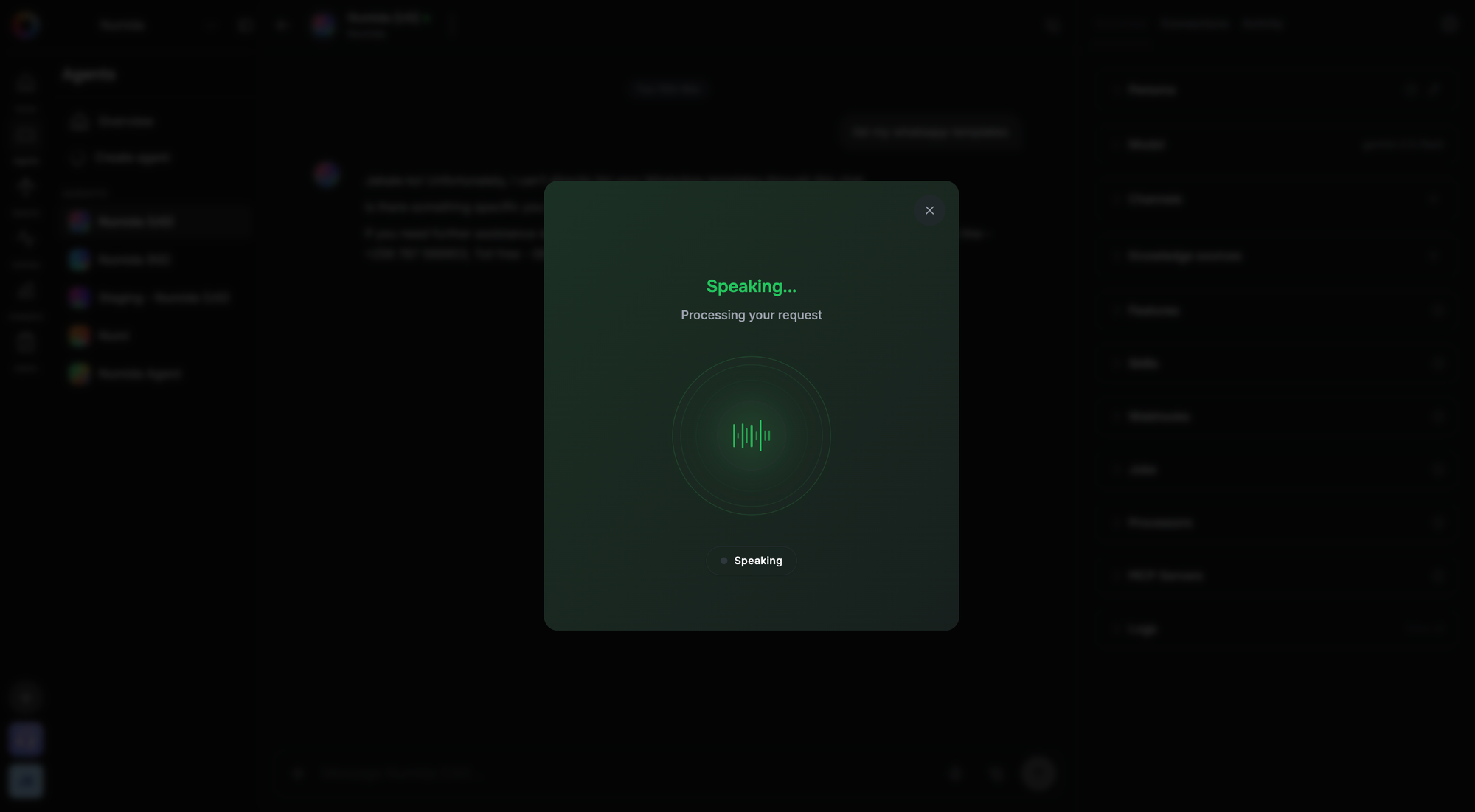
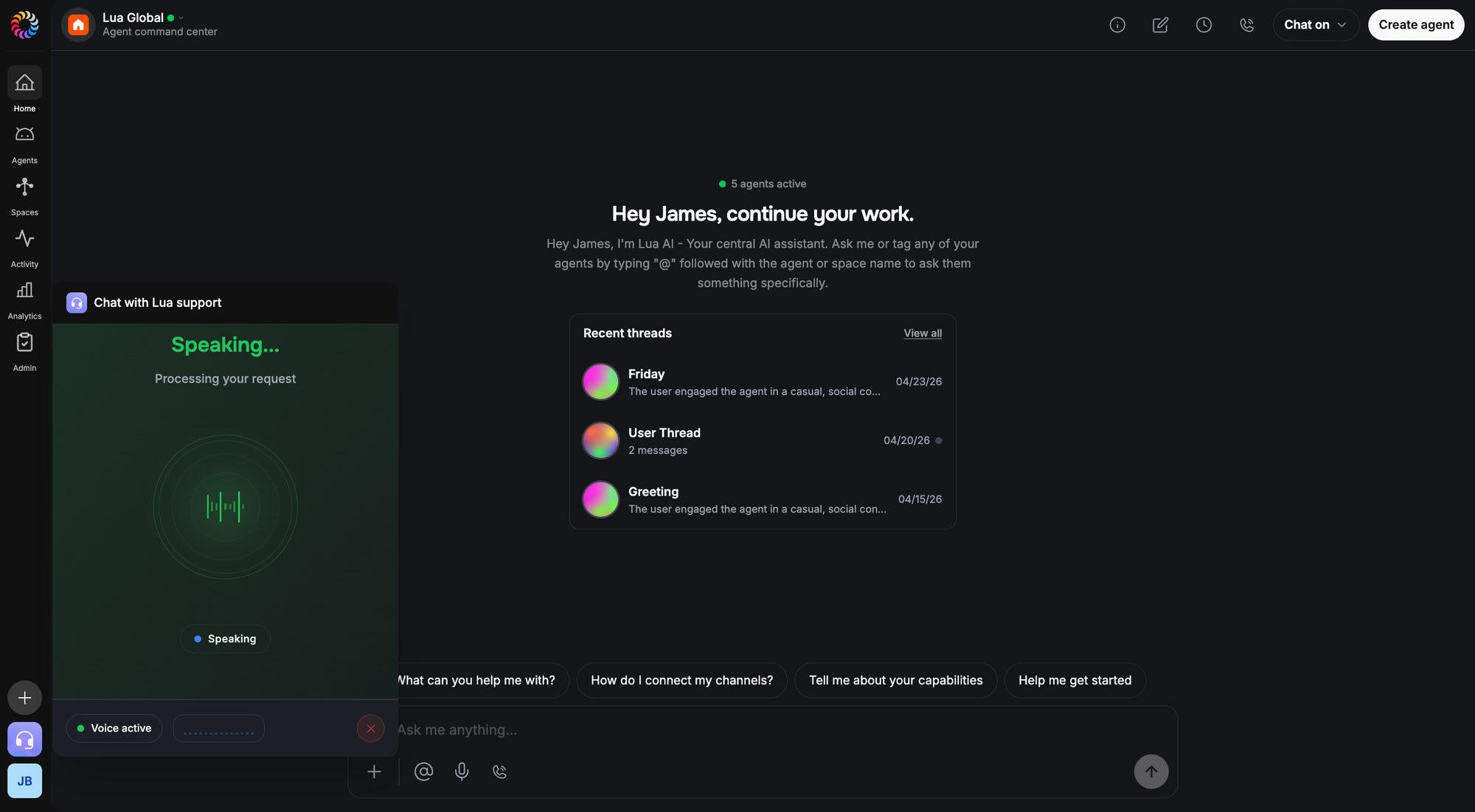
The most direct surface. Drop Lua Pop on any page, hit the mic, and you're talking to your agent.
Your voice is heard, understood, and answered — in one continuous flow. The voice that answers is your agent, with its persona, knowledge, and tools fully intact. Not a generic assistant. Not a demo. The agent you built.
Barge-in is supported: interrupt the agent mid-sentence and it stops. Every conversation generates a full transcript.
This is the channel where the customer is already on your site, already in context, and just doesn't want to type. It's the highest-intent voice surface you have.
Most of the world's customer conversations don't happen on a website. They happen in WhatsApp. Voice notes have been the dominant medium in many markets for years.
When a customer sends a voice note, your agent hears it and replies in text — the same as any other WhatsApp message. Long, unstructured monologues are fine. The agent will follow them.
This is asynchronous voice. No pressure on round-trip latency. The customer sends when they're ready; the agent responds when it has an answer.
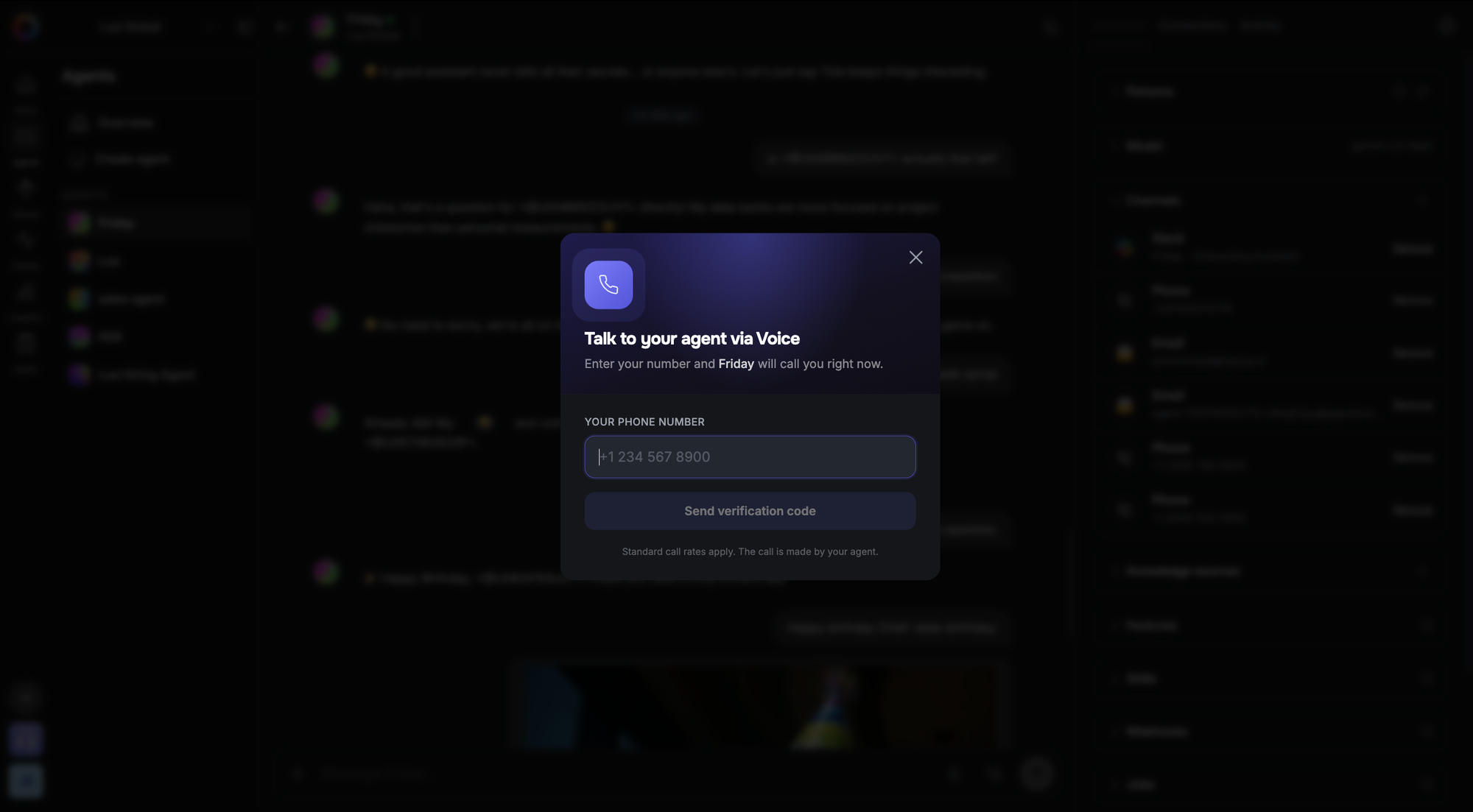
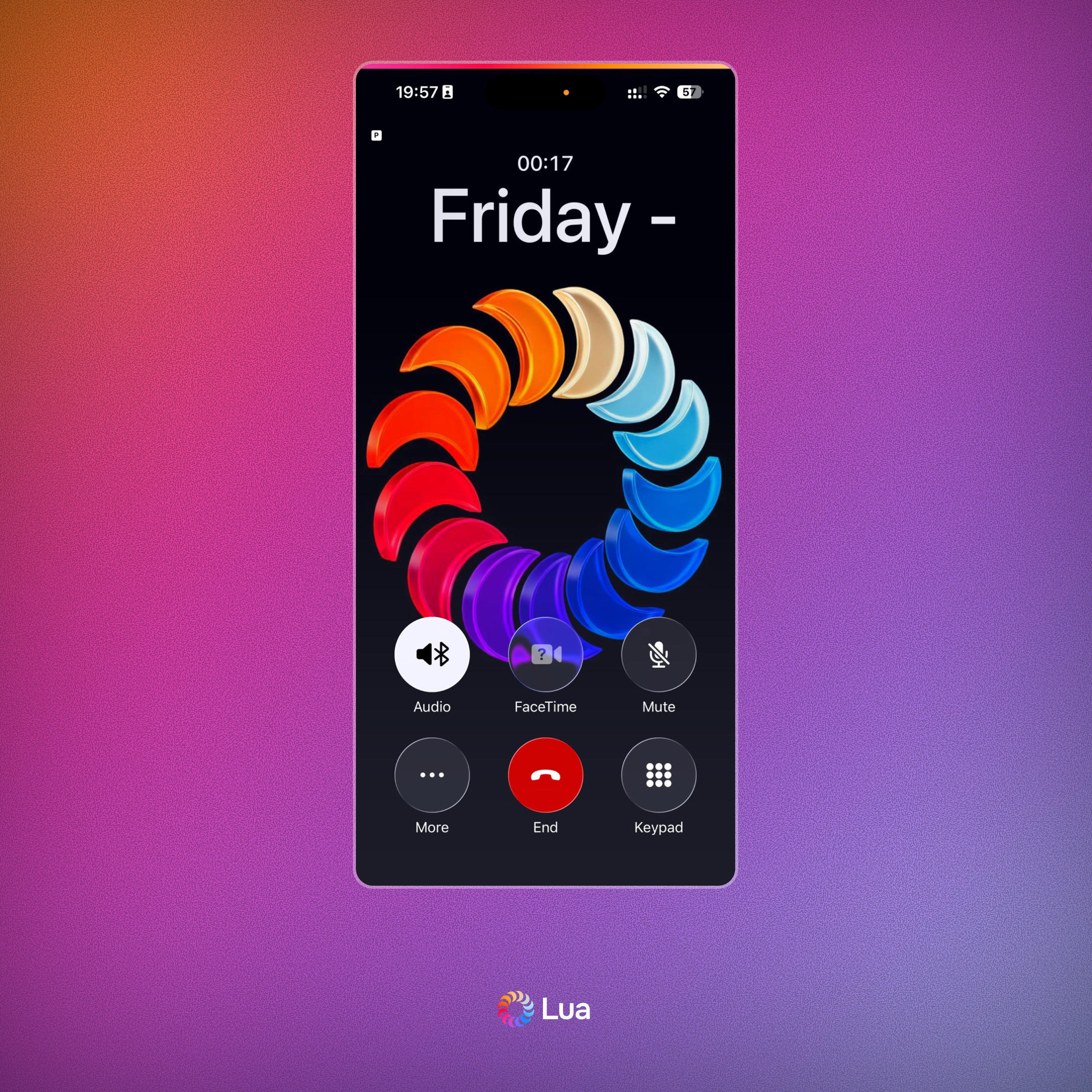
WhatsApp also supports real-time voice calls. When a customer calls your WhatsApp number, the same pipeline kicks in — your voice goes to your agent, your agent's response comes back as speech. Same pipeline, same agent, just over a live call instead of a recorded note.
Phone
Phone is the most demanding surface. Sub-second turn-taking or the conversation falls apart. Silence reads as dead air. Interruption has to be handled in milliseconds.
A customer dials your number. The agent picks up, greets the caller, and the conversation begins. Full duplex — both sides can speak, the agent listens, and when it's ready, it talks back. It behaves like a person.
We built a lot on top of that:
IVR and call routing. If you need to route callers before the agent picks up — press 1 for sales, press 2 for support — you can configure a DTMF menu. Callers press a digit, and the call is routed to the right agent or transferred to a number or SIP endpoint.
Call transfer. Agents can hand off a live call — to another phone number or a different Lua agent — without the caller being dropped. Post-transfer, the call carries on under the new destination.
Call recording. Calls can be recorded and stored. If you have compliance requirements, transcription is also available on recordings.
Post-call reporting. Every call produces a complete transcript, duration, and session report — automatically, without any configuration on your end.
Phone is available in the UK, US, and a growing list of supported countries — currently including Australia, Canada, France, Germany, India, Ireland, Kenya, the Netherlands, South Africa, the UAE, and more. Check the dashboard for the full list.
Meetings (new)
The newest surface — and the one that broke the most assumptions.
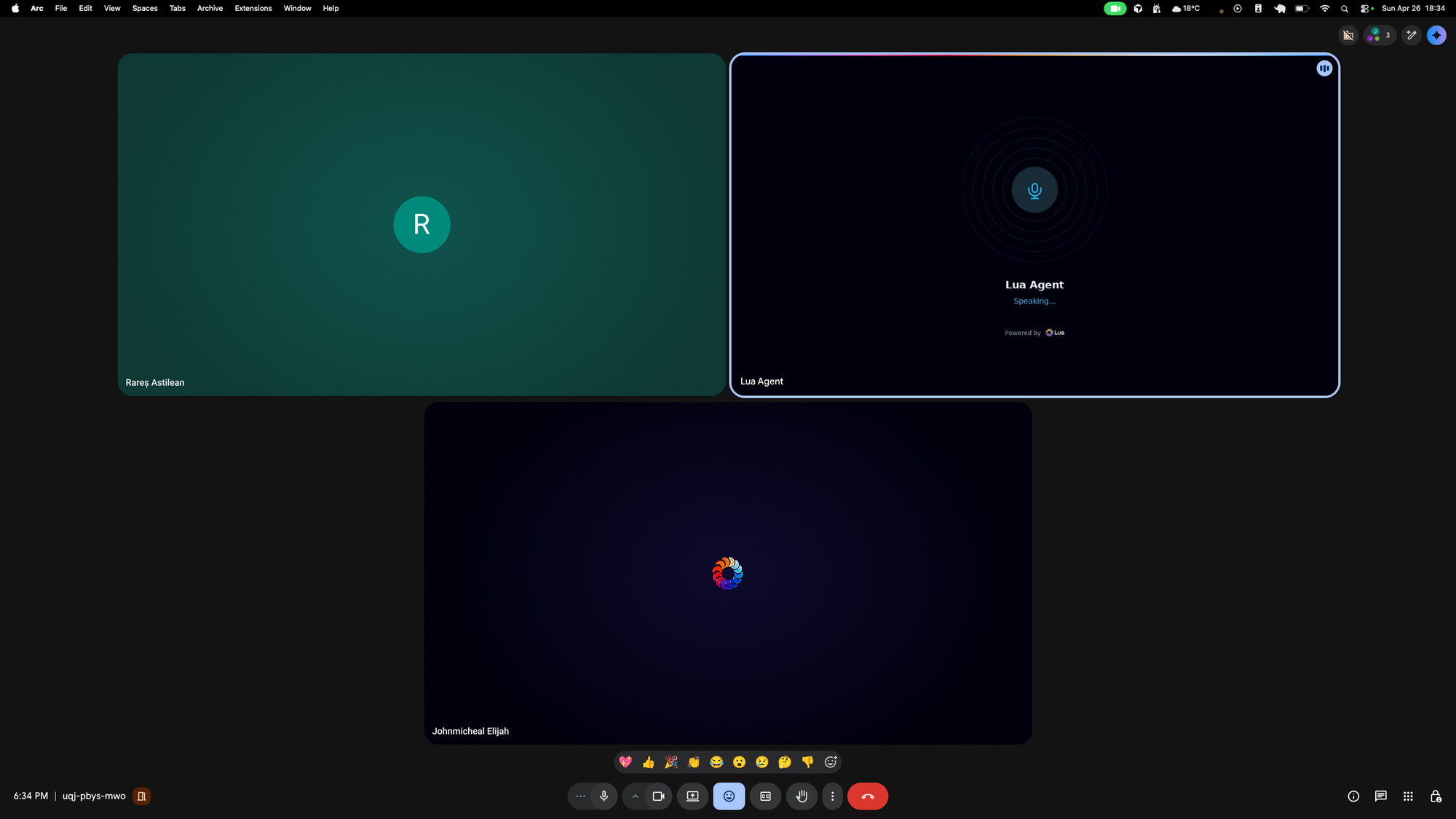
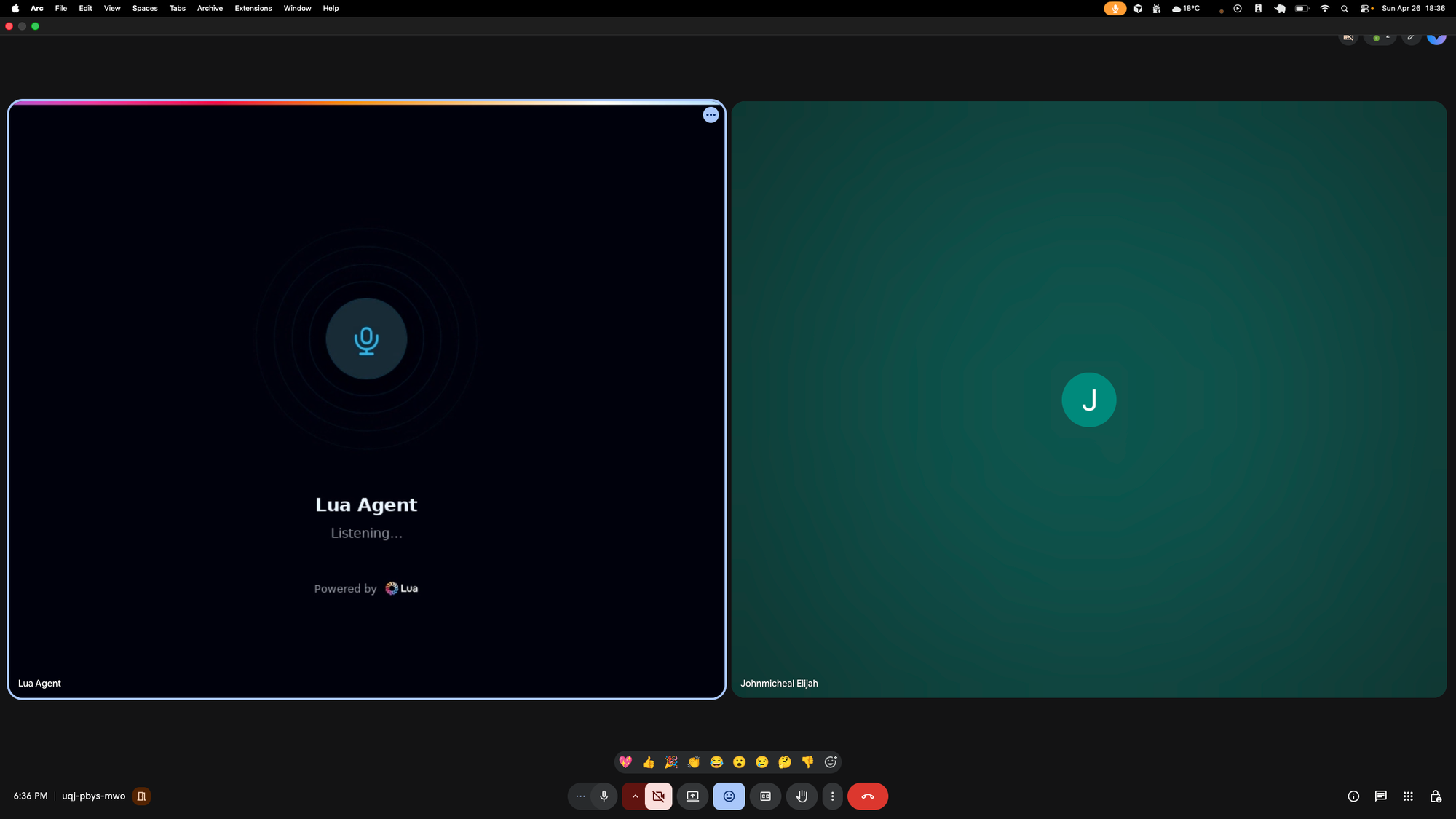
Lua Voice on Meetings sends an agent into Google Meet, Zoom, and Microsoft Teams calls as a real participant. It listens to the room. It speaks when it should. It takes notes. It generates a summary at the end. And — this is the part that's actually hard — it knows when to stay out of the way.
A 1-on-1 voice call has one rule: when the human stops talking, the agent talks. A meeting with three or four humans has a different rule: most of the time, say nothing. The conversation is between the people in the room. Your agent is there to assist, not to interject.
So we built a participation gate — something that runs once per utterance and decides whether the agent should respond at all. Was it addressed by name? Was a question left hanging? Is the floor open? Or is this just two humans talking past each other? The gate makes the call in well under a second, before the agent ever fires.
We also added meeting roles. The same agent can behave differently depending on what the meeting needs:
- Active participant — leans in, contributes, treats the call like a 1-on-1.
- Expert on call — silent until asked. Speaks only when its domain expertise is requested.
- Facilitator — keeps the conversation moving, surfaces unanswered questions, summarises decisions.
- Note taker — silent unless wake-worded. Captures the transcript, distributes the summary afterwards.
Roles can be locked by configuration, or they can switch automatically as the meeting changes. A call that starts 1-on-1 and turns into a four-person discussion shouldn't suddenly have a chatty agent in the corner. Lua Voice notices the room filled up and quiets down on its own.
What this looks like in practice
The same support agent, deployed across all four:
- A customer on your pricing page hits the mic and asks about enterprise tiers — Browser.
- That same customer DMs your WhatsApp number an hour later with a voice note about their procurement process — WhatsApp.
- The next morning they call your support line to follow up — Phone.
- A week later they invite the agent into a procurement meeting with their finance team — Meetings, in note-taker mode, summarising commitments at the end.
Same agent. Same persona, same tools, same governance posture — on every channel. Each conversation is its own context: the agent doesn't carry history across channels, but it always shows up as the same entity with the same knowledge and the same character.
That consistency is the point. The value isn't in linking every conversation together — it's in the customer always reaching the same agent, no matter how they choose to get in touch.
What's inside
Lua Voice inherits everything a Lua agent already has, plus the bits that voice specifically needs:
Real-time voice stack Your voice in, your agent's voice out. Turn detection, barge-in, full-duplex streaming — tuned per channel so every surface sounds right. The pipeline is the same across Browser, WhatsApp, Phone, and Meetings; only the transport changes.
Participation gate A fast gate that decides whether the agent should respond at all — critical in multi-party transports like Meetings. Sub-second decisions, role-aware defaults.
Meeting roles Active participant, expert on call, facilitator, note taker. Lockable or auto-switching based on participant count.
Transcripts and summaries Every voice conversation, on every transport, generates a transcript. Meetings additionally produce structured summaries — overview, decisions, action items.
Governance Same audit trails, kill switches, and policy enforcement as text. A voice action is just an action; governance doesn't care which transport it came from.
The pattern that scales
There's a version of voice where every channel is its own product. A standalone phone bot here, a meeting bot there, a webchat widget somewhere else. Different teams, different runtimes, different personas, different audit trails. We've watched a lot of organisations end up there.
Lua Voice is the other version. One agent, four transports, every conversation in one place.
The teams that build the conversation first and the channel second ship faster than the teams that build a channel first and try to make it feel like a conversation.
Available now
Lua Voice is live on the platform today. If you have a Lua agent, you already have a voice agent — Browser and WhatsApp turn on from the dashboard. Phone is available in supported countries (UK, US, and more — see the dashboard for the full list). Meetings is rolling out now; ping the team if you want early access.
Your agent is ready to speak. Hear what it sounds like. Create your voice agents on Lua.